Skip to content
View in the app

A better way to browse. Learn more.

OCWFED

A full-screen app on your home screen with push notifications, badges and more.

To install this app on iOS and iPadOS
  1. Tap the Share icon in Safari
  2. Scroll the menu and tap Add to Home Screen.
  3. Tap Add in the top-right corner.
To install this app on Android
  1. Tap the 3-dot menu (⋮) in the top-right corner of the browser.
  2. Tap Add to Home screen or Install app.
  3. Confirm by tapping Install.

spacer.png

"Talent without discipline is just wasted opportunity"

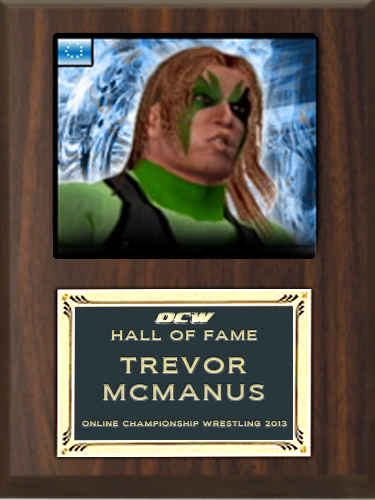
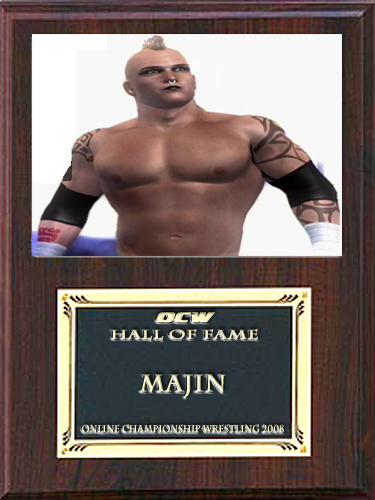
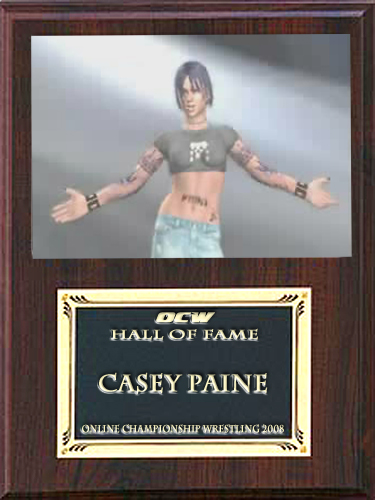
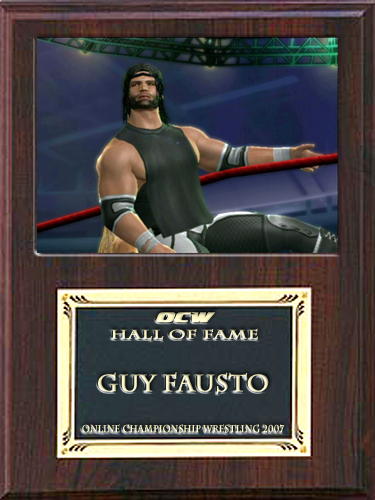
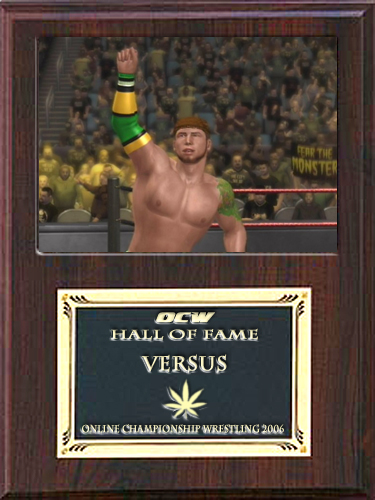
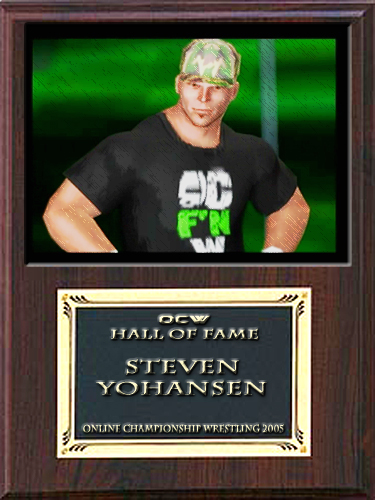
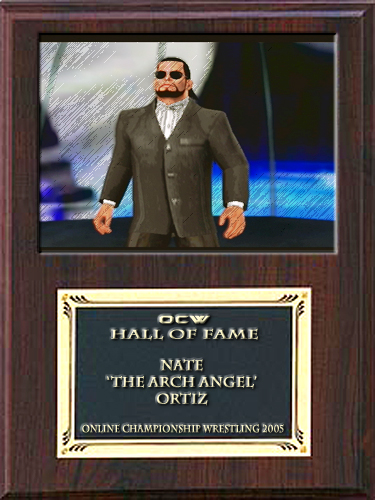
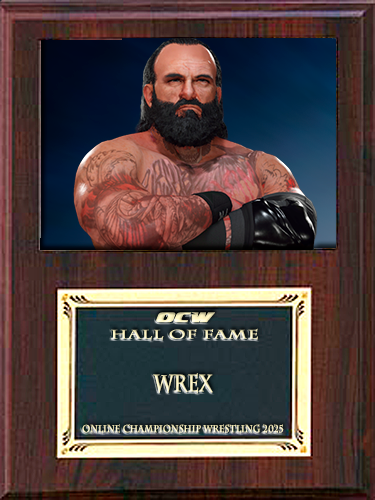
THE OCWFED Hall of Fame established in 2004 is dedicated to the Men and Women who have paved the way by showing what OCWFED means.
Through sheer determination, grit, force of will or masterful wordplay, skill and accolades. These men and women walked so that the new generation can run!

Untitled Document


Kassidy Hayes HOF 2023
Dragana Cesar HOF 2023
Bertha Stiglitz HOF 2023
Chris Baxter HOF 2022
Bobby Minio HOF 2022
ILLUMINATI HOF 2021
Sean McGee HOF 2020
Austin Lee HOF 2020
DRAGO CESAR HOF 2019
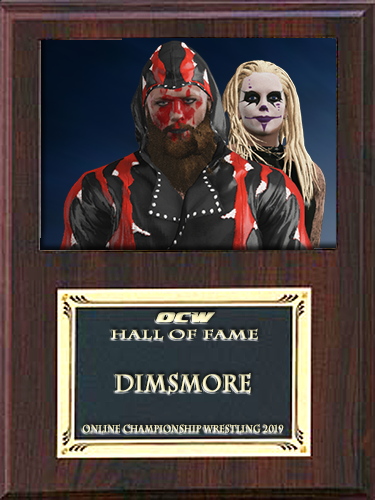
Dimsmore HOF 2019
PATOLOMAI HOF 2019
MALU 2018
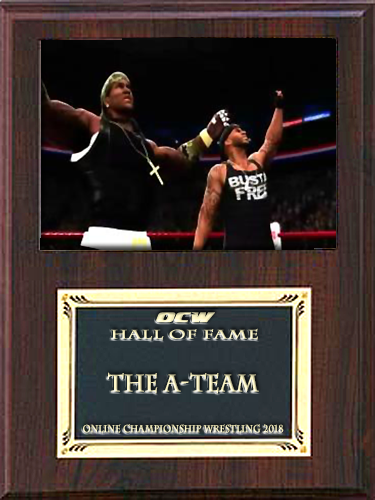
The A-TEAM HOF 2018
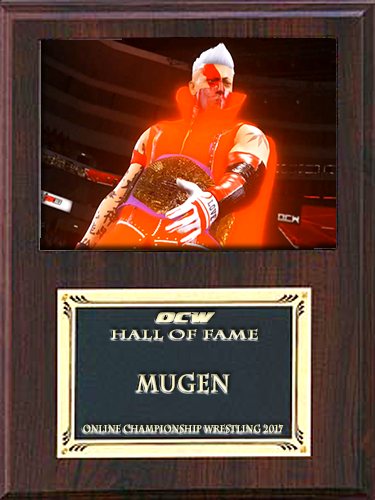
Mugen HOF 2017
KD Angelo HOF 2017
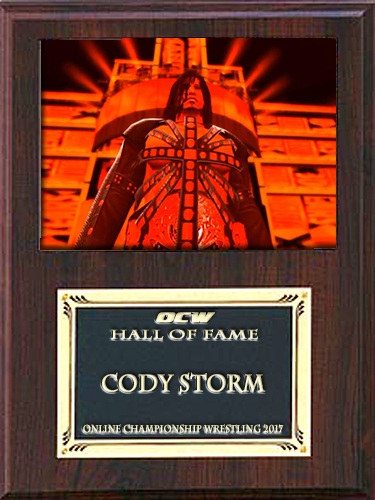
Cody Storm HOF 2017
Stacy Clark HOF 2017
Rev Inc HOF 2016
THEATRE OF PAIN HOF 2016
KNEESUS CHRIST AKA THE BENEFACTOR OF THE BETTERFORCE AKA THE BETTERNESS!
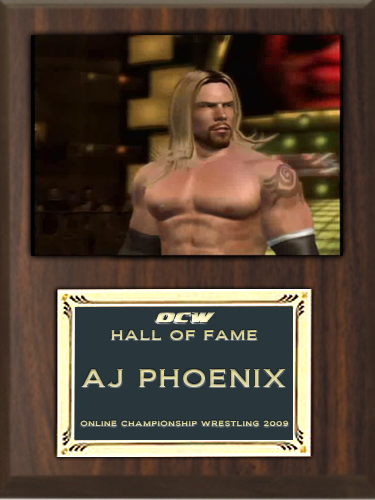
MATSUDA HOF 2016
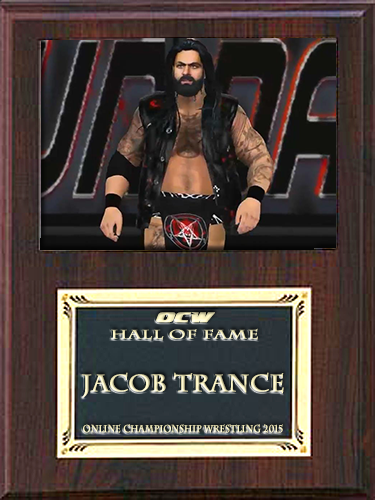
JACOB TRANCE HOF 2015
Founder of Hoot!
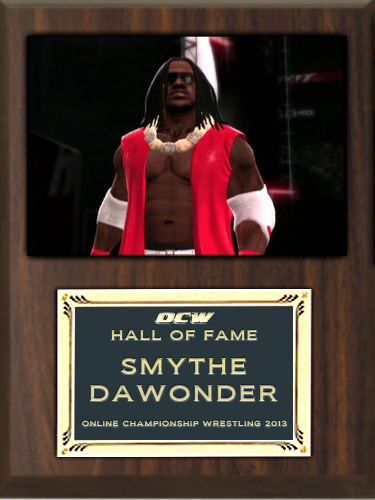
SMYTHE D. WONDER HOF 2013
THE BIGGEST SCUMBAG ON THE FACE OF PLANET EARTH, AND THE MOON!
Golden Crust!
Flavorless Domination
YEEEEEEOOOOH!!!
Hated His Iconic Theme!
BUCCO!
LKO!
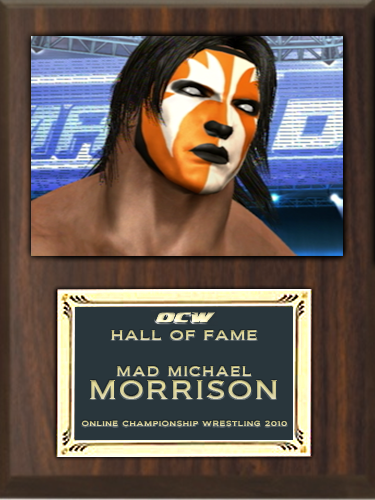
The Mad One!
Sensei!
Best GM Period!
AIIIIIGHT!
First Lady of OCW!
THE STEVE!
GREATNESS!!!!
The Goggles
The Professor of OCWFED
He Hated His Life!
Unbreakable!
Captain 420!
Hatred Incarnate!
Original God Father of OCW!
The Klown
STO'D
The Franchize
Fanny Williams
The Last Hero


Account

Navigation

Configure browser push notifications

Chrome (Android)
  1. Tap the lock icon next to the address bar.
  2. Tap Permissions → Notifications.
  3. Adjust your preference.
Chrome (Desktop)
  1. Click the padlock icon in the address bar.
  2. Select Site settings.
  3. Find Notifications and adjust your preference.