





Mr.Sensation
Administrators
-
Joined
-
Last visited
Everything posted by Mr.Sensation
-
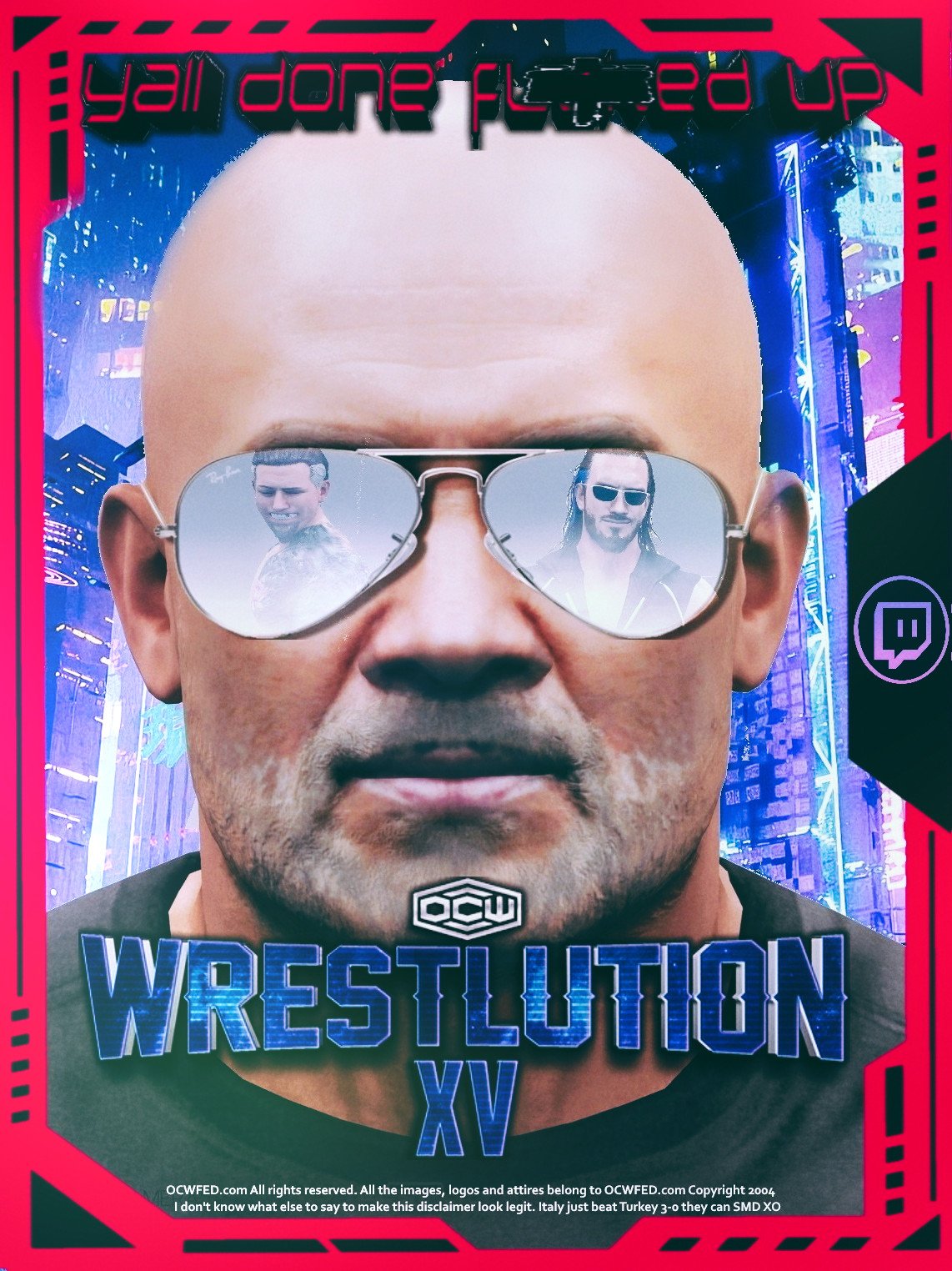
http://www.ocwfed.net/recapshow/asy/asylum2007.gif Yall Done Fucked Up Now
-
http://www.ocwfed.net/images/asyimgs/xbox_r2_c1.jpg Live From Madison Square Garden Trial By Fire http://www.publicitywhore.com/pwblast16/graphics/rollins-middlefinger.jpg The Proof Starts NOW
-
we need more ppv discussion!
-
jolly good shoe
-
http://www.ocwfed.net/images/ppvimages/clashhead.gif He Is Back
-
this probably got over shadowed because of V3 launch but a very good show.
-
Um a test or not but yea please subscribe to this and let me know what happens.
-
Donkey Kong Classic Mario Brothers Excite Bike maybe blackjack and video poker
-
-
you can now edit and otherwise manipulate your Wrestler stats from the Edit EXTRA OPTIONS section in the user CP. Any member from Regular to Admin can do this. when V3 launches it is our hope that by allowing you guys to edit your stuff sooner you can get into the swing of things. Note only Wrestler Profiles will display on the roster page when V3 is completed.

