



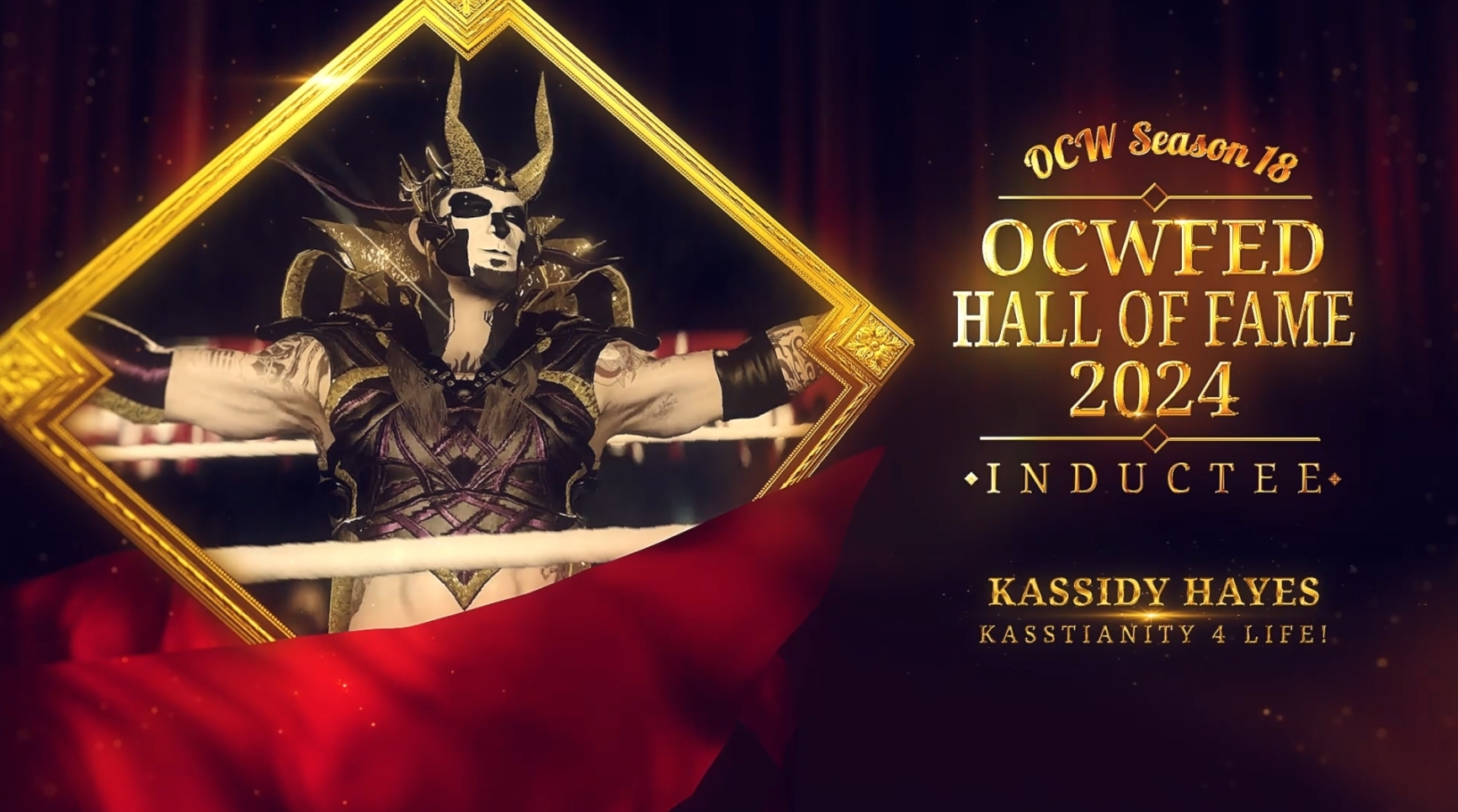

Kassidy Hayes
LEGEND!
-
Joined
-
Last visited
Everything posted by Kassidy Hayes
-
but you didnt mark out, pathetic, you lazy fucking cow
-
Nani? Thats why your kick is called anticlimactic lol
-
Kassidy Saturday coulda been better, that is for sure, Empress coming in after the win and doing the chair to the leg attack was good, reminds me of when i did it to H20. Fuck their knees am I right? and on the same gif, look at those kick pads
-
hope you r getting good chump
-
oh shit, lets watch empress kill tre real quick
-
You don't tell Empress what to doI await you in the octagonThat is correct, Cowbra has never beat me, and I have also made him attires and I took his spot in the king of ocw. hasays one half of the best match on shoelast page 1 postMentioned on another riot i am not on, leave me ALONE lolhe pretty much is, unproven graduate who should be demotedyou all are last, Valk #1Idk if you watch legion but w/e song was being played on the last episode made me think of empress.
- 14 replies
-
- caw league wwe2k19
- caw league wwe2k19 xb1
- leo grimm
- ocw certified greatness
-
Tagged with:
- caw league wwe2k19
- caw league wwe2k19 xb1
- leo grimm
- ocw certified greatness
- ocwfed
- ocwfedtv
- ocw riot
- ocw rookie
- ocw turmoil
- odon klien
- universe mode
- wwe 2k
- wwe 2k (video game series)
- wwe 2k18 dlc
- wwe 2k18 roster
- wwe 2k19 caw league
- wwe2k19 caw league
- wwe2k19 caw leagues
- wwe2k19 caw league universe mode
- wwe2k19 caw league xb1
- wwe 2k19 efed
- wwe2k19 original caw league
- wwe cartoons
- wwe competitive
- wwe player vs player
- wwe pvp
- xbox one
Valk! Valk! Valk! Valk! Valk!you actually backed up for a reset and then still landed first after the reset which i thought you were going to let me hit you.fuck i popped so hard irl, didnt expect anything lessValk! Valk! Valk! Valk! Valk!so should alts not be allowed 2 fins till they graduate? lol stop gradding alts


Account
Navigation
Configure browser push notifications
Chrome (Android)
- Tap the lock icon next to the address bar.
- Tap Permissions → Notifications.
- Adjust your preference.
Chrome (Desktop)
- Click the padlock icon in the address bar.
- Select Site settings.
- Find Notifications and adjust your preference.
Safari (iOS 16.4+)
- Ensure the site is installed via Add to Home Screen.
- Open Settings App → Notifications.
- Find your app name and adjust your preference.
Safari (macOS)
- Go to Safari → Preferences.
- Click the Websites tab.
- Select Notifications in the sidebar.
- Find this website and adjust your preference.
Edge (Android)
- Tap the lock icon next to the address bar.
- Tap Permissions.
- Find Notifications and adjust your preference.
Edge (Desktop)
- Click the padlock icon in the address bar.
- Click Permissions for this site.
- Find Notifications and adjust your preference.
Firefox (Android)
- Go to Settings → Site permissions.
- Tap Notifications.
- Find this site in the list and adjust your preference.
Firefox (Desktop)
- Open Firefox Settings.
- Search for Notifications.
- Find this site in the list and adjust your preference.